Social Media Calendar Tools for 2026 | Blaze.ai

Social Media Calendar Tools for 2026
Plan, Schedule & Automate Your Content
Managing social media in 2026 means juggling more platforms, formats, and publishing frequencies than ever before. The average brand now maintains active presences across 7-10 social channels, with each demanding unique content formats—from 15-second vertical videos to long-form LinkedIn articles.
Without proper planning tools, teams waste hours on manual posting, miss optimal publishing windows, and struggle to maintain consistency across platforms.
Social media calendar tools have evolved from simple scheduling utilities into comprehensive content orchestration platforms. They now handle everything from AI-powered content suggestions to multi-stage approval workflows, making them essential infrastructure for any serious content operation.
What Are Social Media Calendar Tools?
Social media calendar tools are software platforms that centralize content planning, scheduling, and publishing across multiple social networks. At their core, they provide visual interfaces—typically calendar or kanban-style boards—where teams can map out posts days, weeks, or months in advance.
These tools fall into three main categories. Planners focus primarily on content organization and visual workflows, helping teams brainstorm and arrange posts without necessarily handling publication.
Schedulers emphasize automated publishing, ensuring content goes live at predetermined times without manual intervention. End-to-end suites combine planning, scheduling, publishing, analytics, and team collaboration features into unified platforms.
The distinction matters because different teams have different needs. A solo creator might only need basic scheduling, while an enterprise marketing team requires approval chains, asset libraries, and performance analytics—all integrated into their calendar workflow.
Build a Strong Social Media Presence With Smarter Scheduling
Maintaining a consistent social media presence across today’s fast-moving social media platforms requires more than posting randomly. Brands that win on social media rely on a clear social media strategy, supported by the right planning and scheduling systems.
Instead of manually publishing social media posts every day, teams use a social media scheduling tool to schedule social media posts in advance, manage multiple platforms, and stay consistent across all social media channels.
Plan, Schedule, and Organize Content in One Place
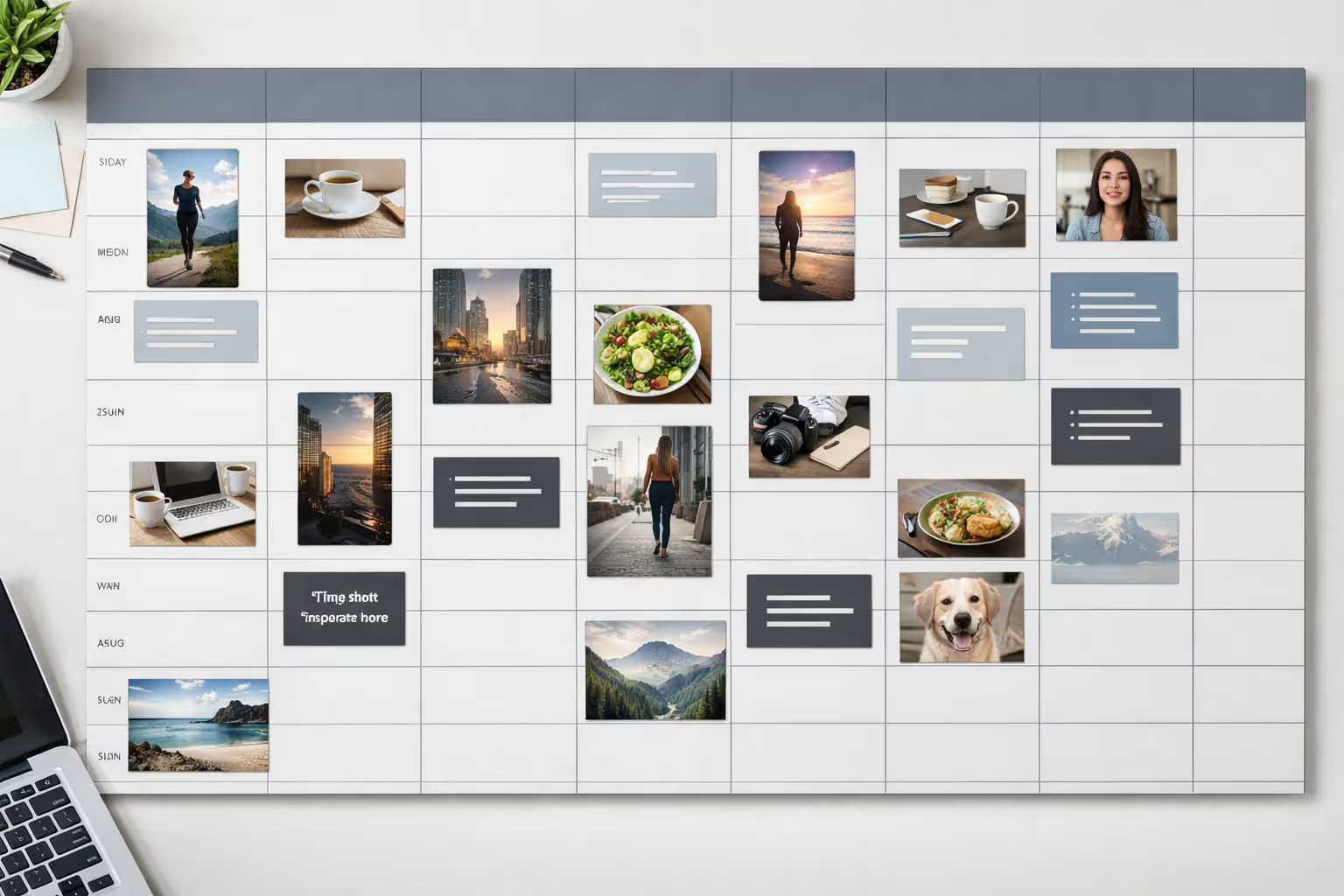
A well-structured social media content calendar acts as the backbone of your content strategy. It allows you to map out campaigns, organize post ideas, review past posts, and align content with your target audience—all from a single view.
Using a social media content planner, teams can:
- Schedule social media content weeks or months ahead
- Manage multiple social channels without switching tools
- Assign a clear time slot to every new post
- View everything in a monthly view inside a single dashboard
This approach makes it easy to schedule social posts, maintain balance across social platforms, and avoid last-minute posting stress.
Save Time With Automation and Smart Tools
A powerful social media scheduler helps you automatically schedule content at suggested times, ensuring posts go live when your audience is most active. This is a major game changer for teams looking to save time while increasing consistency.
With the right setup, you can:
- Drop posts into the calendar and let the system publish them
- Reuse high-performing ideas from past posts
- Manage social posts, assets, and approvals in one workflow
- Scale publishing across multiple platforms effortlessly
Automation frees up time for creativity, experimentation, and building viral content instead of handling manual publishing.
Create, Design, and Collaborate Faster
Modern tools make it easy to create social media content using built-in features like Canva templates, helping teams easily create on-brand visuals without design bottlenecks. Everything—from copy to media assets—stays organized and accessible.
Collaboration features like saved replies, social inbox, and centralized access allow teams to respond faster, manage conversations, and support clients more efficiently across all social channels.
Stay Ahead With Data-Driven Social Strategy
Scheduling is only part of the equation. Successful teams also rely on social listening to track trends, monitor conversations, and adjust their social strategy in real time.
By analyzing what performs best across your social platforms, you gain insights that drive social media success—helping you stay ahead, refine your content ideas, and continuously improve how you manage and organize your presence across all social media.
Why You Need a Social Media Calendar in 2026
The social media landscape of 2026 presents unique challenges that make calendar tools indispensable. Platform algorithms now heavily favor consistent posting schedules, with irregular publishers seeing engagement drops of 40-60%.
Short-form video has become the dominant content format across platforms, requiring teams to produce 3-5x more assets than just two years ago.
Content batching—creating multiple pieces in single production sessions—has become the standard workflow for efficient teams. Calendar tools enable this approach by providing clear visibility into content gaps weeks ahead, allowing creators to film 20 TikToks in one session rather than scrambling daily for ideas.
Cross-platform content adaptation adds another layer of complexity. A single video concept might need versions for TikTok (9:16 vertical, 15-60 seconds), Instagram Reels (9:16, up to 90 seconds), YouTube Shorts (9:16, up to 60 seconds), and LinkedIn (multiple aspect ratios, up to 10 minutes).
Calendar tools track these variations, ensuring each platform receives optimized content rather than awkward reposts.
Team collaboration has also intensified. The average social media team now includes content creators, designers, copywriters, community managers, and data analysts—all needing visibility into the publishing pipeline. Without centralized calendars, these teams resort to endless Slack threads, spreadsheet chaos, and missed deadlines.
What to Look for in a Social Media Calendar Tool
Modern social media calendar tools should provide several core capabilities to handle 2026's content demands effectively.
Visual calendar interfaces remain the foundation. Look for tools offering multiple views—monthly grids, weekly timelines, and list formats—allowing different team members to work in their preferred style. Drag-and-drop functionality should feel responsive, with posts easily moveable between dates and platforms.
Multi-platform scheduling must cover all major networks without requiring platform-specific workarounds. Native support should include TikTok, Instagram (feed, Stories, Reels), Facebook, LinkedIn, X (Twitter), YouTube, Pinterest, and emerging platforms like Threads.
Each integration should respect platform-specific features like Instagram's first comment, LinkedIn polls, or TikTok sounds.
AI-assisted planning has moved from novelty to necessity. Tools should offer intelligent posting time recommendations based on audience activity, content performance predictions, and automated caption generation that maintains brand voice.
Some platforms now provide AI-powered content ideation, suggesting post topics based on trending topics and historical performance.
Approval workflows prevent publishing disasters. Look for customizable approval chains where junior team members can draft content, managers review and request changes, and only authorized users publish. Comment threads attached to individual posts keep feedback centralized rather than scattered across email.
Asset libraries eliminate repetitive uploads. Cloud-based media storage should support all major formats (images, videos, GIFs) with tagging systems for easy retrieval. Version control prevents accidentally publishing outdated graphics, while usage tracking ensures teams don't oversaturate feeds with repeated visuals.
Analytics integration closes the feedback loop. Performance data should flow directly into the calendar view, showing engagement metrics alongside scheduled posts. This visibility helps teams identify successful content patterns and adjust future planning accordingly.
Automation capabilities extend beyond simple scheduling. Look for features like RSS-to-social publishing, recurring post templates, and automated reposting of high-performing content. Some tools now offer trigger-based workflows—automatically sharing blog posts when published or creating Stories from feed posts.
Best Social Media Calendar Tools for 2026
The social media management landscape includes dozens of viable options, each with distinct strengths. Here's a curated selection of platforms excelling in different use cases.
All-in-One Social Media Management Suites
Hootsuite remains the enterprise standard, supporting 35+ social networks with robust team collaboration features. Its calendar view integrates seamlessly with streams for real-time monitoring and engagement.
Strengths include extensive third-party integrations, detailed analytics, and scalable user permissions. Weaknesses include a steep learning curve and pricing that quickly escalates for larger teams. Ideal for enterprises managing 10+ accounts across multiple brands.
Sprout Social emphasizes customer care alongside content management. Its Smart Inbox unifies messages across platforms, while the calendar provides sophisticated publishing workflows.
The platform excels at social listening and competitor analysis, though its premium pricing ($249+ per user monthly) limits accessibility for smaller teams.
Buffer balances simplicity with power. Its clean interface makes onboarding new team members straightforward, while features like Pablo (image creation) and Start Page (link-in-bio) add value beyond scheduling.
The platform's transparent pricing and generous free tier make it accessible for growing brands. However, advanced analytics require higher-tier plans, and TikTok integration remains limited.
Later specializes in visual content planning with its signature drag-and-drop calendar. The Visual Planner shows exactly how feeds will look post-publication, crucial for maintaining Instagram aesthetics.
Unique features include the Linkin.bio tool and UGC collection capabilities. Best suited for brands prioritizing Instagram and visual consistency.
Agorapulse targets agencies with white-label reporting and client management features. Its unified inbox rivals Sprout Social's, while the calendar includes sophisticated team workflows. The platform offers competitive pricing for agencies managing multiple client accounts, though solo practitioners may find it overcomplicated.
Content Calendar-Focused Tools
ContentCal (now part of Adobe) provides pure calendar functionality without the social management overhead. Its content hub facilitates brainstorming and collaboration, while customizable pipelines support various content types beyond social media.
Perfect for content teams needing planning tools that extend to blogs, emails, and other channels.
Planable reimagines the approval process with visual mockups showing exactly how posts will appear on each platform. Comments appear as overlays on post previews, eliminating confusion about requested changes. The platform's simplicity makes it ideal for agencies seeking streamlined client approvals.
CoSchedule integrates social media calendars with broader marketing workflows. Its Marketing Suite connects social posts to blog publishing, email campaigns, and project management. While powerful for unified marketing teams, the platform may overwhelm users seeking pure social media tools.
Loomly strikes a balance between simplicity and sophistication. Its calendar includes post ideas based on trending topics, while workflow automation handles routine tasks. The platform's competitive pricing and intuitive interface make it accessible for small to medium businesses transitioning from spreadsheets.
Free & Budget-Friendly Content Calendar Tools
Meta Business Suite provides free scheduling for Facebook and Instagram, including Stories and Reels. While limited to Meta's platforms, it offers surprising depth with audience insights, message management, and basic automation. The mobile app enables on-the-go management, though multi-user collaboration remains basic.
TweetDeck (now X Pro) offers free scheduling and monitoring for X (Twitter) accounts. Column-based layouts enable real-time tracking of mentions, hashtags, and lists alongside scheduled content. Limited to a single platform but unmatched for X-specific management.
Canva's Content Planner bundles scheduling with the design platform's creative tools. Users can design and schedule posts without switching applications, streamlining the creation-to-publication pipeline. The free tier includes basic scheduling for 8 platforms, though analytics and team features require paid plans.
Google Sheets/Notion provide DIY calendar solutions for budget-conscious teams. Custom templates enable tailored workflows, while integrations via Zapier can automate publishing. These require significant setup time but offer complete customization and zero ongoing costs.
How to Set Up an Effective Social Media Calendar
Building an effective social media calendar requires strategic planning beyond simply filling dates with content. The process starts with foundational decisions that guide all subsequent posting.
Create a Content Pillar System
Content pillars provide thematic structure, ensuring variety while maintaining strategic focus. Most brands benefit from 4-6 pillars, each representing 15-25% of total content.
Educational content establishes authority by teaching audiences valuable skills or sharing industry insights. This might include how-to videos, quick tips, or explanatory threads. A fitness brand might share workout techniques, nutrition facts, or recovery strategies.
Entertainment content builds emotional connections through humor, storytelling, or behind-the-scenes glimpses. This humanizes brands and encourages sharing. The same fitness brand could post gym fails, motivational transformations, or day-in-the-life content.
Promotional content drives business objectives by highlighting products, services, or offers. Keep this to 20% or less of total content to avoid follower fatigue. Product demos, customer testimonials, and limited-time offers fit here.
User-generated content leverages community contributions, building social proof while reducing creation burden. Reposting customer photos, reviews, or success stories strengthens community bonds.
Trending content capitalizes on current events, memes, or platform-specific formats. This requires flexibility within the calendar for rapid response to viral moments.
Interactive content encourages engagement through polls, questions, or challenges. These posts boost algorithmic reach while providing audience insights.
Document each pillar with clear definitions, example posts, and target frequencies. This documentation ensures consistency even as team members change.
Map Out Posting Frequency by Platform
Platform-specific algorithms and audience behaviors demand tailored posting strategies. 2026 best practices suggest:
TikTok: 1-4 posts daily, emphasizing consistency over volume. The algorithm favors accounts posting at least once daily but penalizes sporadic high-volume posting.
Instagram Reels: 4-7 weekly, complemented by 3-4 feed posts and daily Stories. Reels drive discovery while feed posts nurture existing followers.
YouTube Shorts: 3-5 weekly for channels prioritizing growth. The Shorts shelf provides massive reach potential for consistent publishers.
LinkedIn: 2-5 posts weekly, with articles counting double. Professional audiences engage most Tuesday through Thursday, 8-10 AM and 5-6 PM.
X (Twitter): 3-15 posts daily, including replies and retweets. The platform's real-time nature rewards frequent participation.
Facebook: 1-2 posts daily for Pages, focusing on video and community-building content. Groups may benefit from higher frequencies.
Start conservatively and scale based on engagement data and team capacity. Consistency beats volume—better to post three times weekly without gaps than daily with frequent misses.
Build a Monthly Planning Workflow
Effective calendar management follows predictable cycles that balance advance planning with real-time flexibility.
Week 1: Conduct monthly planning sessions. Review previous month's analytics, identifying top-performing content for repurposing. Brainstorm content aligned with upcoming events, product launches, or campaigns. Assign content creation tasks with specific deadlines.
Week 2-3: Focus on content creation and scheduling. Batch similar content types—film all videos in one session, design all graphics together. Schedule posts at least one week ahead, leaving 20% calendar capacity for trending content. Route content through approval workflows with buffer time for revisions.
Week 4: Analyze and optimize. Review mid-month performance data, adjusting remaining scheduled content. Plan next month's content themes based on emerging trends. Conduct team retrospectives identifying workflow improvements.
Daily tasks: Monitor real-time engagement, responding within 2-4 hours. Check for trending opportunities requiring same-day content. Adjust scheduled posts based on breaking news or brand developments.
Weekly reviews: Assess content performance against goals. Identify gaps in upcoming calendar requiring additional creation. Celebrate wins and document successful content formats for replication.
How Social Media Calendar Tools Improve Your Strategy
The strategic benefits of calendar tools extend beyond operational efficiency, directly impacting content performance and business outcomes.
Stay Consistent Across All Platforms
Algorithmic platforms reward consistency with increased reach and engagement. Instagram's algorithm, for example, reduces distribution for accounts with irregular posting patterns, while TikTok's For You page favors creators maintaining daily uploads.
Calendar tools eliminate consistency gaps by providing visual oversight of all scheduled content. Empty calendar dates become immediately apparent, prompting teams to fill gaps before they impact performance. Recurring post templates ensure evergreen content maintains presence even during busy periods.
Cross-platform consistency also strengthens brand identity. Calendar tools enable teams to coordinate messaging across channels, ensuring product launches, campaigns, or announcements reach audiences simultaneously. This unified approach amplifies impact while reducing confusion from mixed messages.
Collaborate More Efficiently With Your Team
Modern social media teams rarely work in isolation. Content creators, designers, copywriters, and analysts must coordinate efforts without creating bottlenecks.
Calendar tools centralize collaboration through shared workspaces where all team members see the full content pipeline. Copywriters can draft captions weeks ahead, designers upload assets as completed, and managers review everything without endless email chains.
Approval workflows prevent publishing errors that damage brand reputation. Junior team members can create content without publication access, while senior staff review and approve from mobile devices. Comment threads attached to specific posts maintain context, eliminating confusion about requested changes.
Task assignment features ensure accountability. Each post can include assigned creators, reviewers, and publishers with automated reminders for approaching deadlines. This clarity eliminates the "I thought you were handling that" scenarios plaguing disorganized teams.
Use Data to Optimize Your Content Mix
Analytics integration transforms calendars from planning tools into optimization engines. Performance data overlaid on calendar views reveals patterns invisible in traditional analytics dashboards.
Teams can quickly identify which content pillars drive engagement, optimal posting times, and format preferences. A B2B software company might discover that Tuesday morning LinkedIn posts generate 3x more leads than other slots, prompting calendar adjustments.
Historical performance informs future planning. High-performing posts can be marked for repurposing or iteration, while underperforming content types get reduced calendar allocation. This data-driven approach gradually improves content effectiveness without requiring complete strategy overhauls.
Competitive benchmarking features in premium tools reveal how content performs relative to industry standards. Teams can identify content gaps where competitors excel and adjust calendars accordingly.
Common Mistakes to Avoid When Using Social Media Calendars
Even with powerful tools, teams frequently stumble over predictable pitfalls that undermine calendar effectiveness.
Over-scheduling without flexibility creates rigid calendars unable to capitalize on trending moments. Reserve 20-30% of calendar capacity for real-time content, allowing rapid response to viral trends, breaking news, or community conversations.
Ignoring analytics after scheduling treats calendars as "set and forget" tools. Regular performance reviews should inform calendar adjustments—if video content consistently outperforms images, adjust future content mix accordingly.
Failing to adapt to platform changes leaves calendars optimized for outdated algorithms. Platform features evolve constantly; Instagram's shift toward Reels, LinkedIn's newsletter feature, or TikTok's extended video lengths all require calendar adjustments.
Neglecting content pillar balance leads to monotonous feeds that lose audience interest. Regularly audit published content against planned pillar ratios, adjusting when specific categories dominate or disappear.
Creating without clear approval processes causes publishing delays and quality issues. Document who reviews content, expected turnaround times, and escalation procedures for time-sensitive posts.
Scheduling without engagement plans abandons posts after publication. Calendar tools should include engagement windows where team members respond to comments, answer questions, and foster community discussion.
Duplicating content without adaptation posts identical content across platforms, ignoring unique audience expectations and technical requirements. Each platform deserves tailored content optimized for its specific format and culture.
FAQs About Social Media Calendar Tools
Which social media calendar tool is best?
The best tool depends on your needs—use all-in-one suites for full workflows or specialized planners for visual calendars and creative teams.
Hootsuite and Sprout Social excel for enterprises needing comprehensive features, Buffer and Later suit growing businesses prioritizing ease of use, while Planable and ContentCal serve agencies requiring approval workflows. Solo creators often find Buffer's free tier or Meta Business Suite sufficient for basic scheduling needs.
Are there free social media calendar tools?
Yes, several platforms offer free options with basic scheduling features, though premium tools include automation, collaboration, and analytics. Meta Business Suite provides free Facebook and Instagram scheduling, Buffer's free plan supports three social accounts, Later offers limited free scheduling, and Canva includes basic social scheduling with design tools.
These free tiers typically limit posts per month, connected accounts, or team members but provide enough functionality for individuals or small businesses starting out.
Do social media calendar tools help with engagement?
Consistent posting increases reach, while many tools include reminders or dashboards to help you respond faster to comments and messages. Calendar tools improve engagement through optimal timing recommendations, ensuring posts reach audiences when they're most active.
Unified inboxes consolidate messages across platforms, preventing missed conversations. Some tools provide engagement analytics, highlighting which content types generate the most meaningful interactions versus vanity metrics.
Can social media calendars work for multiple team members?
Yes, many tools include approval workflows, permissions, comments, and team roles designed for collaboration. Enterprise tools like Hootsuite and Sprout Social support unlimited team members with granular permissions—writers can draft without publishing, designers upload assets, and managers approve content.
Mid-tier tools like Buffer and Later offer team features in paid plans, typically supporting 5-25 users. Even free tools like Meta Business Suite allow multiple administrators with different access levels.
What's the difference between a content calendar and a social media scheduler?
A content calendar helps you plan and organize ideas visually, while a scheduler automatically publishes posts at set times. Content calendars focus on strategic planning—mapping themes, campaigns, and content pillars across weeks or months.
They're ideal for brainstorming sessions and maintaining content variety. Schedulers handle the mechanical aspect of posting at predetermined times without manual intervention.
Most modern tools combine both functions, allowing teams to plan strategically in calendar views then automate publication through scheduling features. Pure calendars like Google Sheets or Notion require separate scheduling tools or manual posting, while platforms like Hootsuite provide integrated planning and publishing.