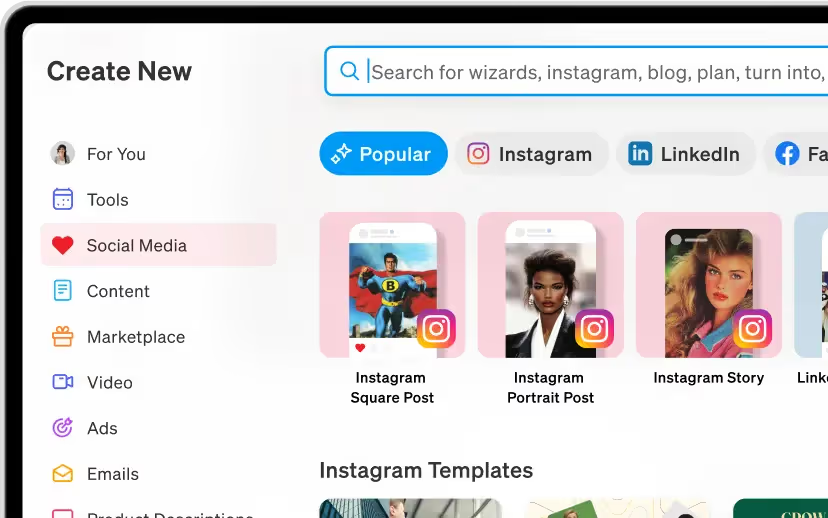
Designing in Blaze



4,230 students
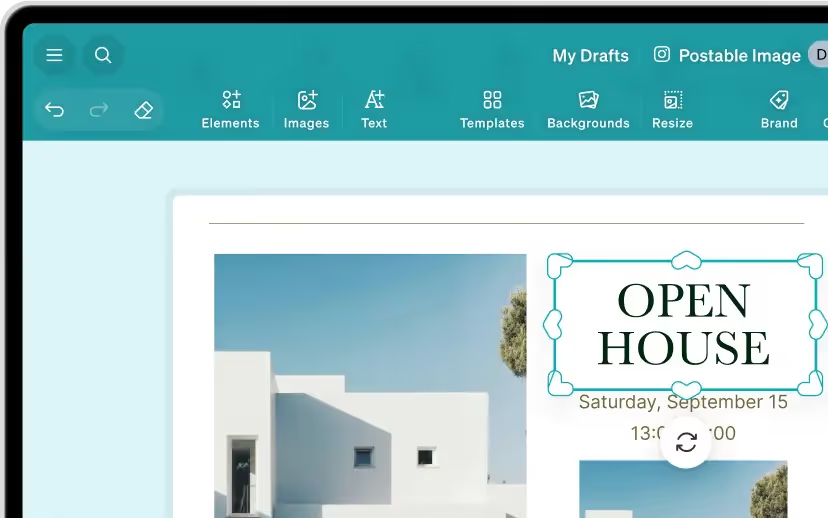
How to use the Blaze Designer
In this video, learn how to use Blaze Designer, an AI-powered Visual Studio for crafting marketing assets. Discover how to set up a brand style, integrate with social media, choose from 500+ templates, customize designs with text, colors, and images, and publish directly to social media or download for manual posting.
Watch How to use the Blaze Designer on YouTubeHow to create a Brand Style
Create a Cohesive Brand Style with Blaze! Connect Instagram or Facebook, and let Blaze build a consistent visual identity using your logo, colors, and fonts. Customize with 60 templates and publish directly to Instagram. Stay tuned for more tips to elevate your business!
Watch How to create a Brand Style on YouTubeHow to use videos In Blaze Designer
Create Social Media Posts with Videos in Blaze Designer! Upload videos, images, and text. Access stock footage, add your content, and enhance with logos and text. Schedule posts for perfect timing, like Black Friday. Stay tuned for TikTok and AI video features!
Watch How to use videos In Blaze Designer on YouTubeHow to improve images
How to Improve Images with Blaze! Learn how to upload, manage, and enhance images for your content. Easily swap images in blog posts or designs to better align with your vision and elevate your visuals.
Watch How to improve images on YouTubeMore Courses
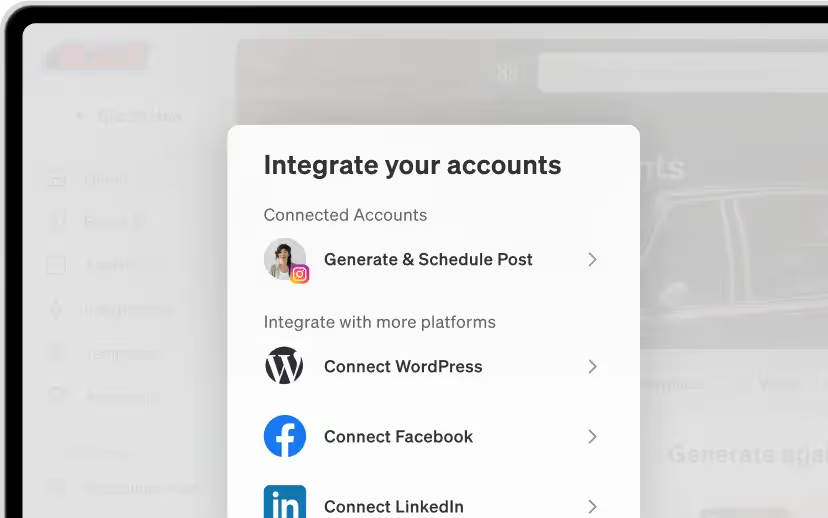
See AllIntegrations and Publishing
Integrate marketing channels into Blaze to streamline content distribution and manage campaigns efficiently.
Getting Started in Blaze
An overview of the best way to get started with Blaze and where to focus.
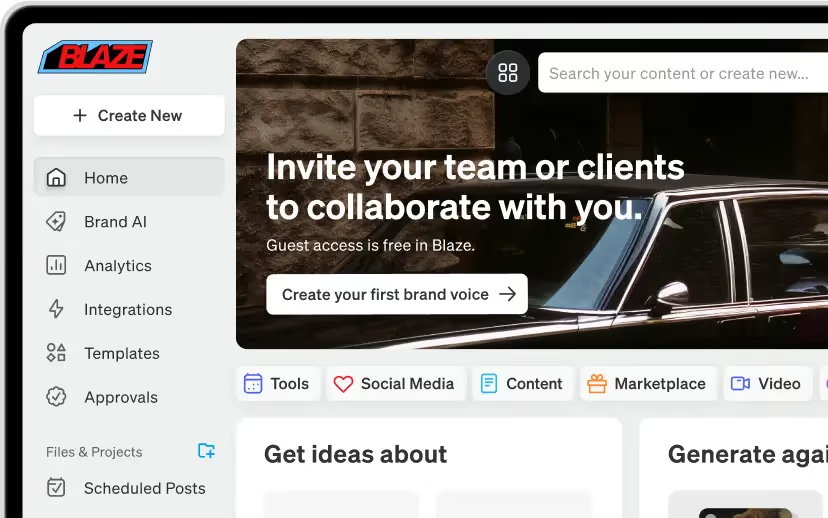
Content Creation
Start creating content with Blaze and where to direct your focus for results.