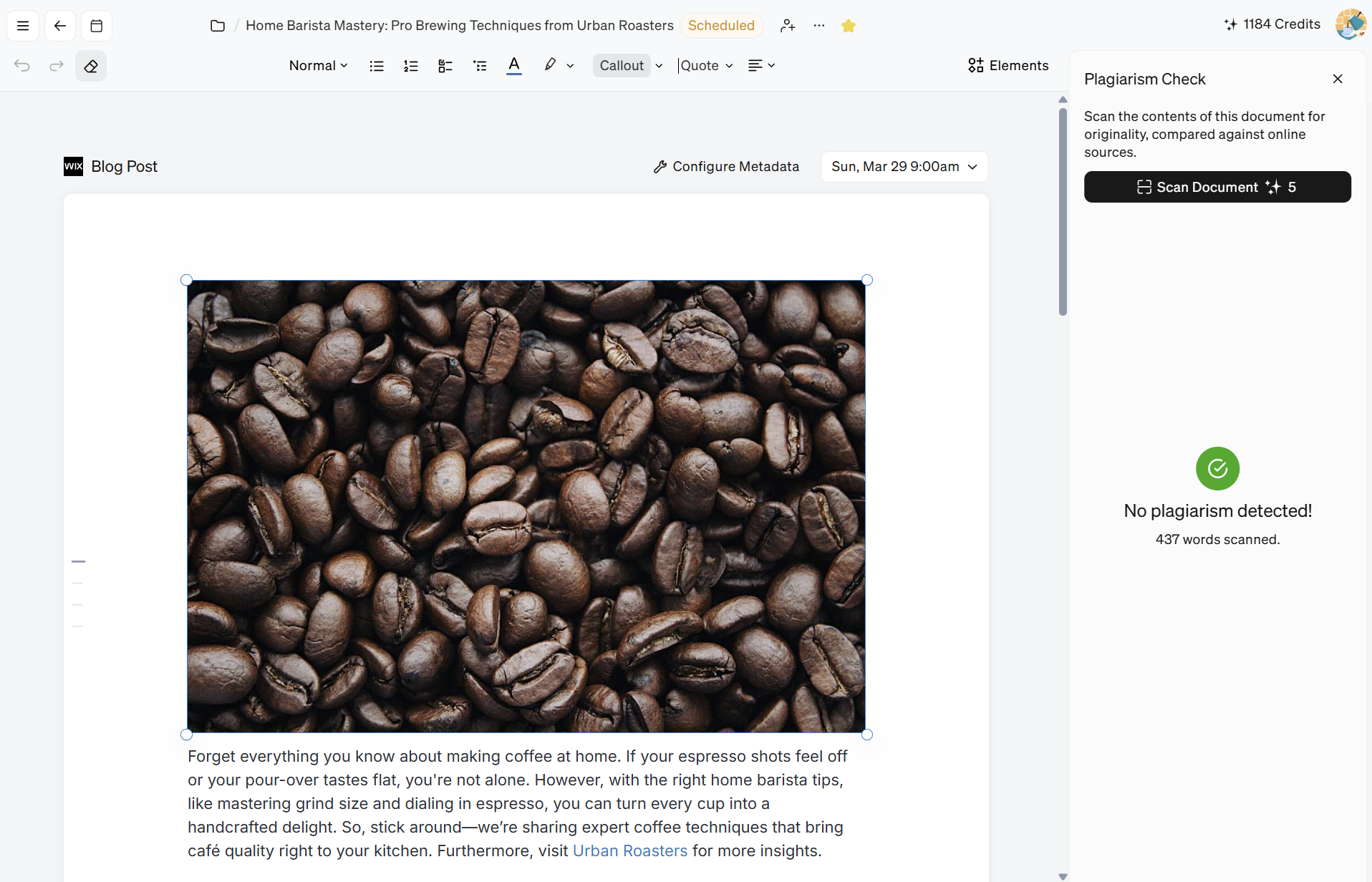
How to Check for Plagiarism
Check matching passages against their sources and review the displayed credit cost before confirming a plagiarism scan or rescan.
Blaze's document editor has a built-in plagiarism checker so that you can verify that your content has not plagiarized any content from resources on the internet.
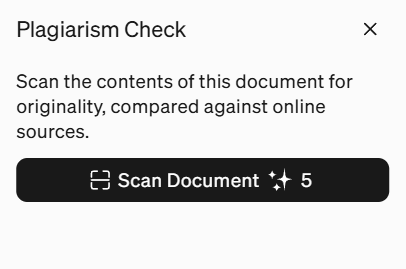
Check the credit cost displayed for your selected scan before confirming it. A rescan may consume additional credits; review the displayed cost each time.
The screenshots below show an earlier editor. Their numeric credit labels are historical examples, not a current action-price promise.
To run a plagiarism check on your document:
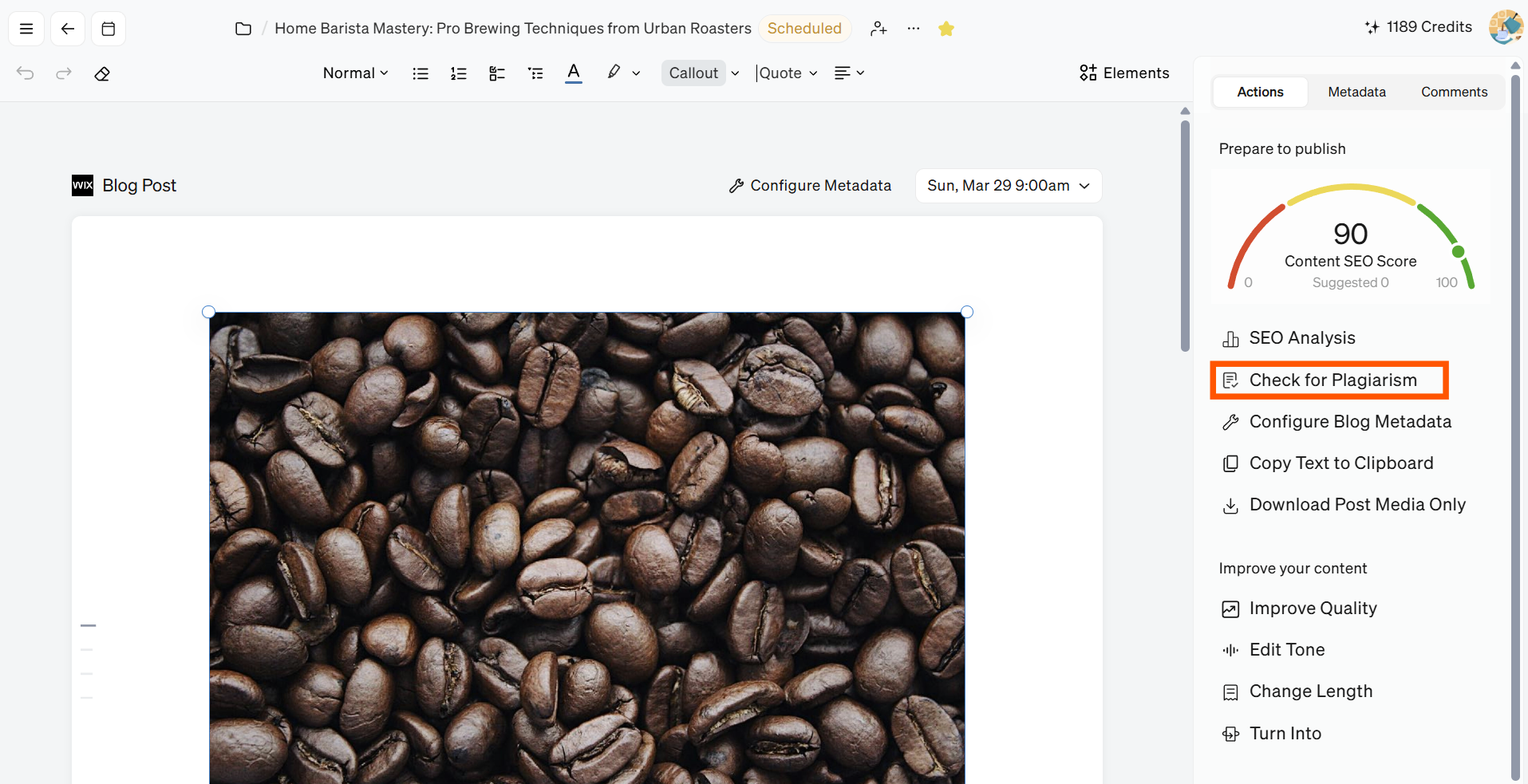
Open the right sidebar when viewing a document and click the Check for Plagiarism button.
Review the displayed credit cost, then click Scan Document only if you want to confirm that scan.
Any sources that might have been plagiarized will show up that you click to view and verify yourself.
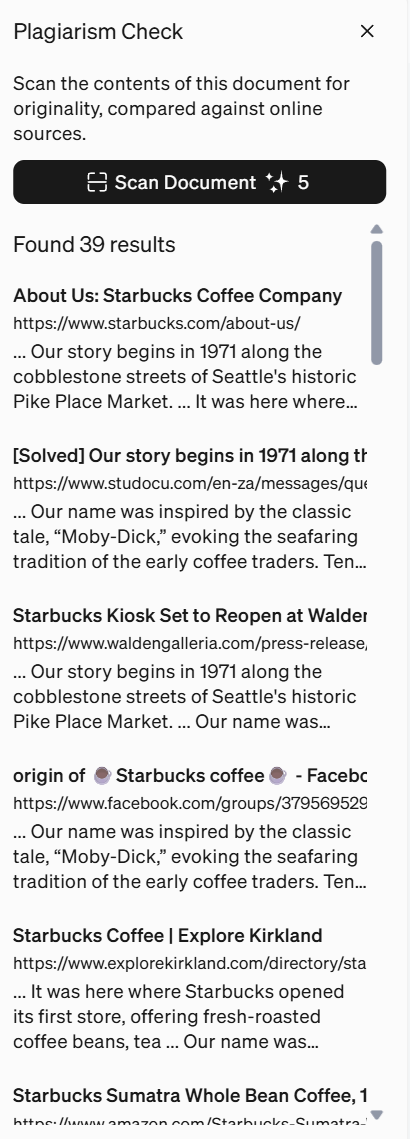
Review any matching passages against their sources and revise your document as needed. Before rescanning, check and confirm the displayed cost again.