Create
Ask for it.
Blaze makes it.
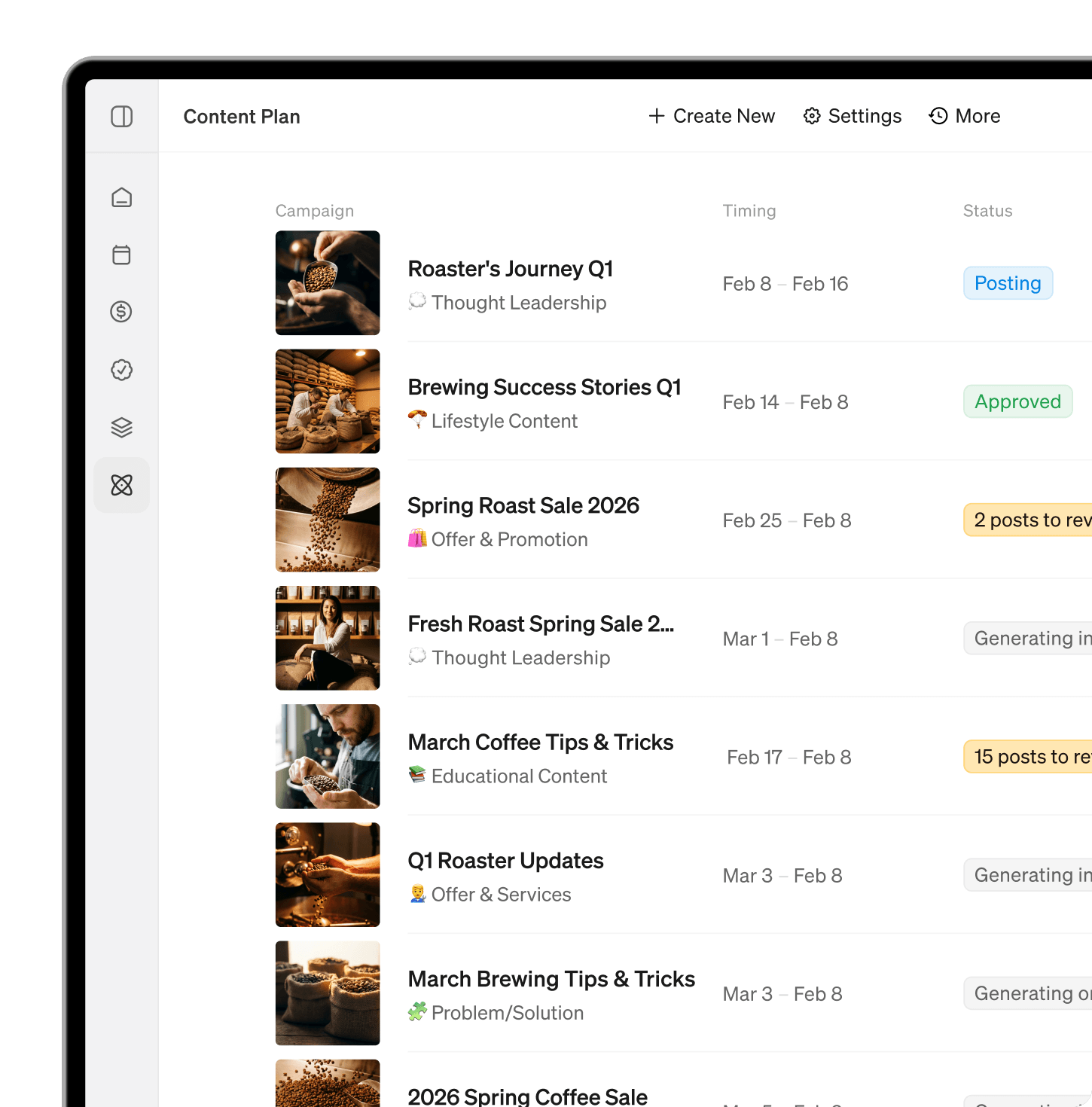
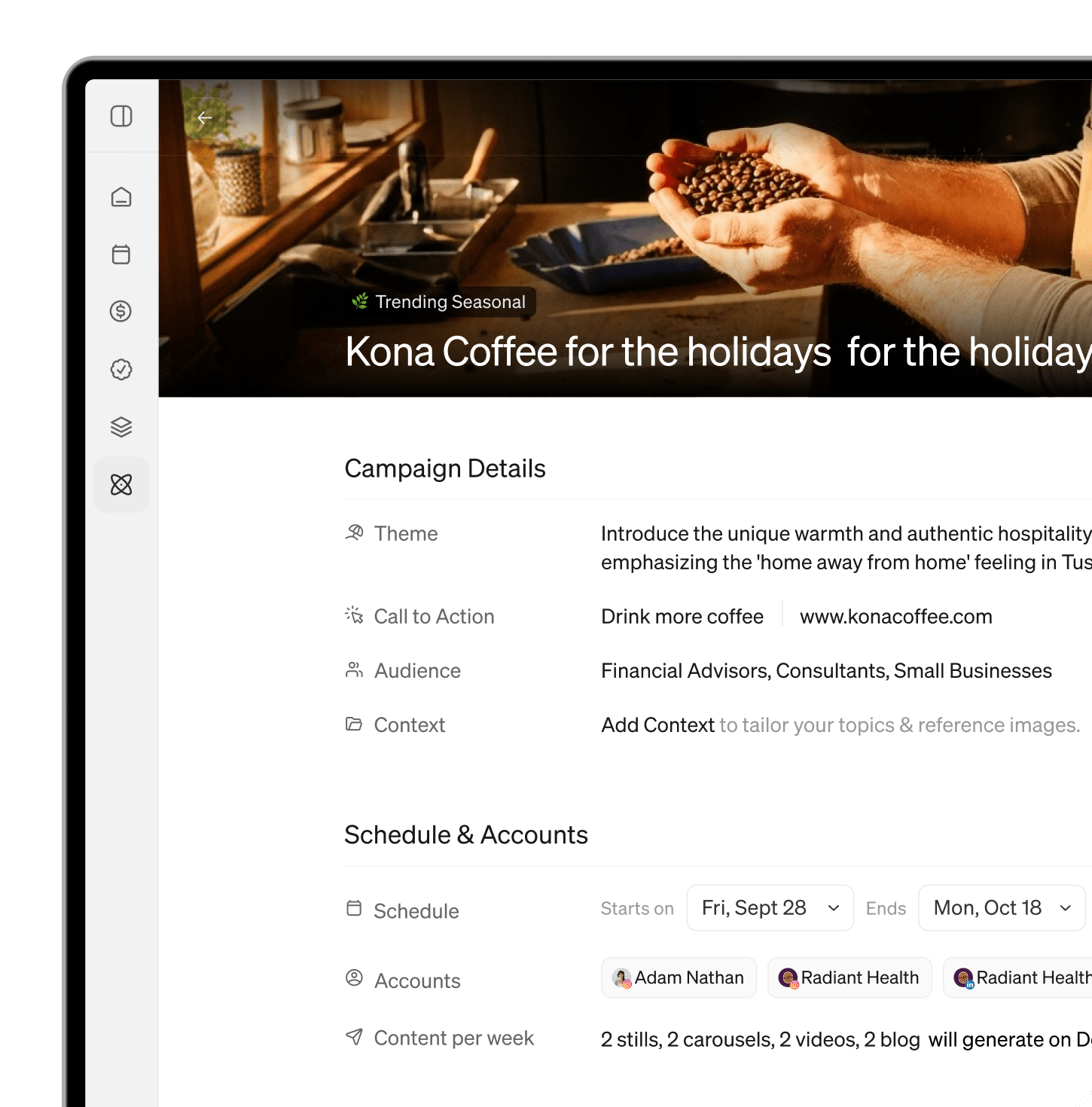
Plan a week of posts, turn a tip into a carousel, or draft a newsletter in your voice. Blaze uses your brand kit, so everything comes out in your colors, fonts, and tone.

 4.6 on Trustpilot
 4.8 on Capterra
Blaze turns what you ask ChatGPT for into finished, on-brand carousels, videos and posts, then schedules them for you.
https://app.blaze.ai/mcpComing soon to ChatGPT · Works with Claude and Codex today



Make an Instagram post about our pistachio layer cake and schedule it for Friday at 6pm.

Done. Your post is in your brand style and scheduled to Instagram for Friday at 6:00 PM.
Try asking
Why connect Blaze
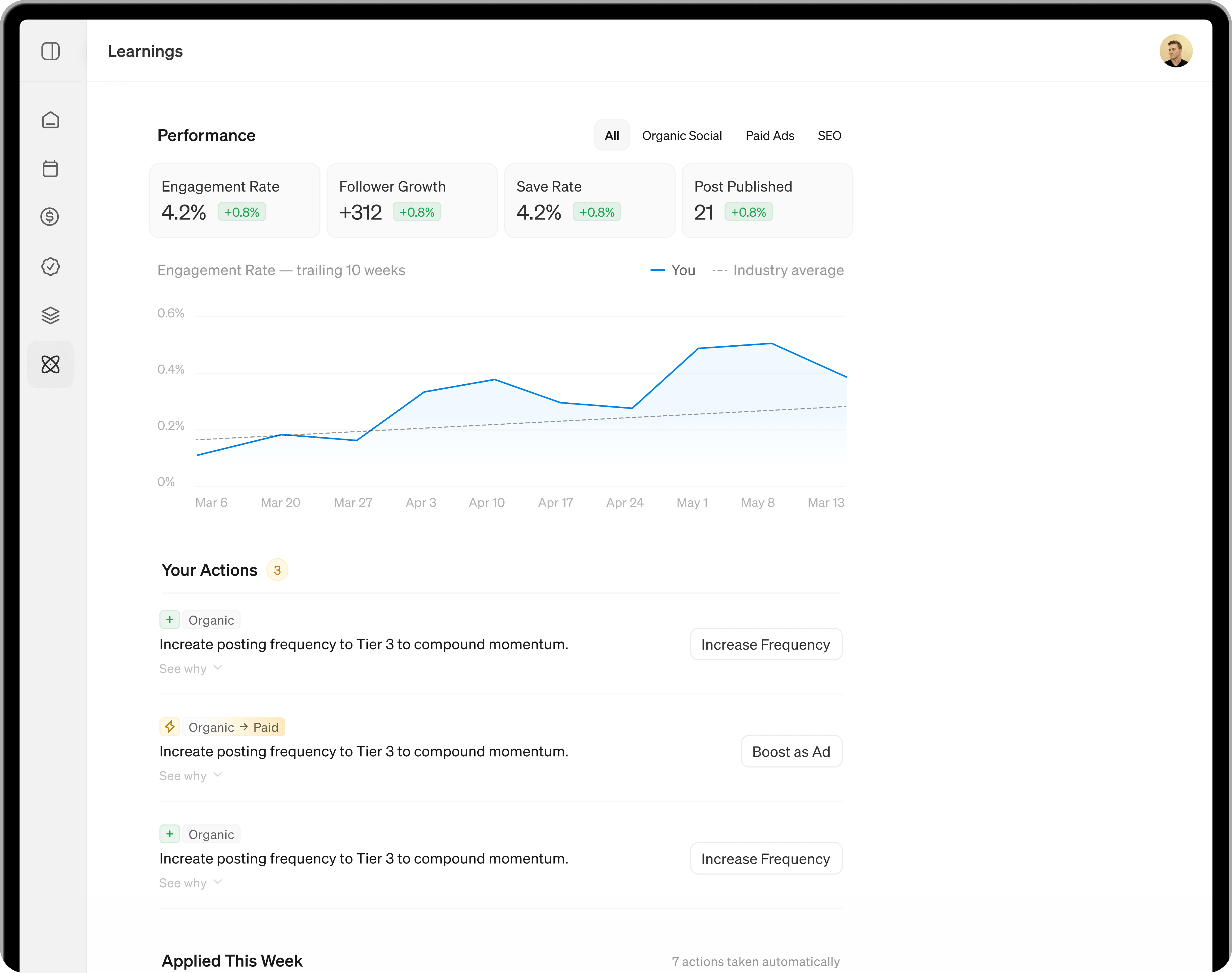
Your assistant helps with the words. Blaze turns them into on-brand posts, carousels, and videos, saves them as drafts, and schedules them to your channels.
What you can do
Posts, carousels, short videos, blogs, and newsletters. On brand, and on your calendar.
Create
Plan a week of posts, turn a tip into a carousel, or draft a newsletter in your voice. Blaze uses your brand kit, so everything comes out in your colors, fonts, and tone.
Connect in a minute

Paste app.blaze.ai/mcp into your assistant’s connector settings.

Log in to Blaze and approve access to your workspaces.
“Plan next week’s posts and draft them in Blaze.”
Where it works
Blaze works in Claude and Codex today. ChatGPT is next.
Claude
In Claude, open Settings → Connectors, choose Add custom connector, and paste the Blaze server URL.
URL app.blaze.ai/mcp
Start free trialCodex
In Codex, run codex mcp add blaze --url https://app.blaze.ai/mcp, then codex mcp login blaze.
Run codex mcp add
Codex MCP docsUnder the hood
Read tools look things up. Write tools create or change things in Blaze. Only scheduling publishes, and only to accounts you’ve connected.
list_workspaces
Lists the workspaces you belong to.
workspace_info
Shows a workspace and your role in it.
get_brand_kit
Gets your brand profile, voice, colors, logos, and fonts.
list_scheduled_posts
Lists calendar posts by status, type, and date.
get_scheduled_post
Gets one post in full, including each channel’s status.
edit_scheduled_post
Changes a draft or scheduled post’s date, captions, or status.
generate_post
Creates an image, carousel, or short video post as a draft.
get_generated_post
Checks on a post Blaze is generating.
create_doc
Saves a blog post or newsletter as a draft.
create_campaign
Creates a campaign and plans its topics.
list_campaigns
Lists your campaigns.
upload_media
Gets upload links for files on your computer.
schedule_posts
Schedules your own posts to one or more channels.
generate_image
Creates an image from a description.
get_generated_image
Checks on an image Blaze is generating.
search_media
Finds photos and videos in your media library.
search_fonts
Finds fonts Blaze can use in designs.
compose_design
Builds a new single-image or carousel design.
edit_design
Edits text, images, colors, and layout in a design.
get_design_preview
Shows the finished slides of a design, and fixes fonts it can't render.
Good to know
Yes, with the Blaze app for ChatGPT, coming soon. ChatGPT will make the post with Blaze and schedule it to the channels you've connected. Until then, Claude and Codex can do it today.
No. It confirms the posts, channels and times with you before scheduling anything. New content is saved as a draft, and posts only publish to channels you've connected in Blaze.
Instagram, Facebook, LinkedIn, X, Google Business Profile, TikTok, and YouTube. Blogs and newsletters publish through your connected blog or email integration.
Only the workspaces you can see in Blaze. You sign in with your own account, and you can disconnect anytime from your assistant’s settings.
Yes, with the Blaze app for ChatGPT, coming soon. Blaze will design the carousel in your brand, show every slide in the chat, and schedule nothing until you confirm.
Visit the Help Center, or read our Privacy Policy and Terms.
.avif)
Connect Blaze to Claude or Codex today, or start a free trial to set up your brand.